

Skip to content

Configure multi-currency fields and layouts ​

After enabling Multi-Currency Management, add the required currency and amount fields to object layouts.

Before you begin ​

The enterprise has the Multi-Currency Management product enabled. The currency administrator requires Multiple Currency Settings permission. The account that configures layouts also requires management permission for the target object and layouts.

Field generation rules ​

After enablement, the system adds four preset currency and exchange-rate fields to every object. Each object supports only one currency field. These fields are hidden from page layouts by default.
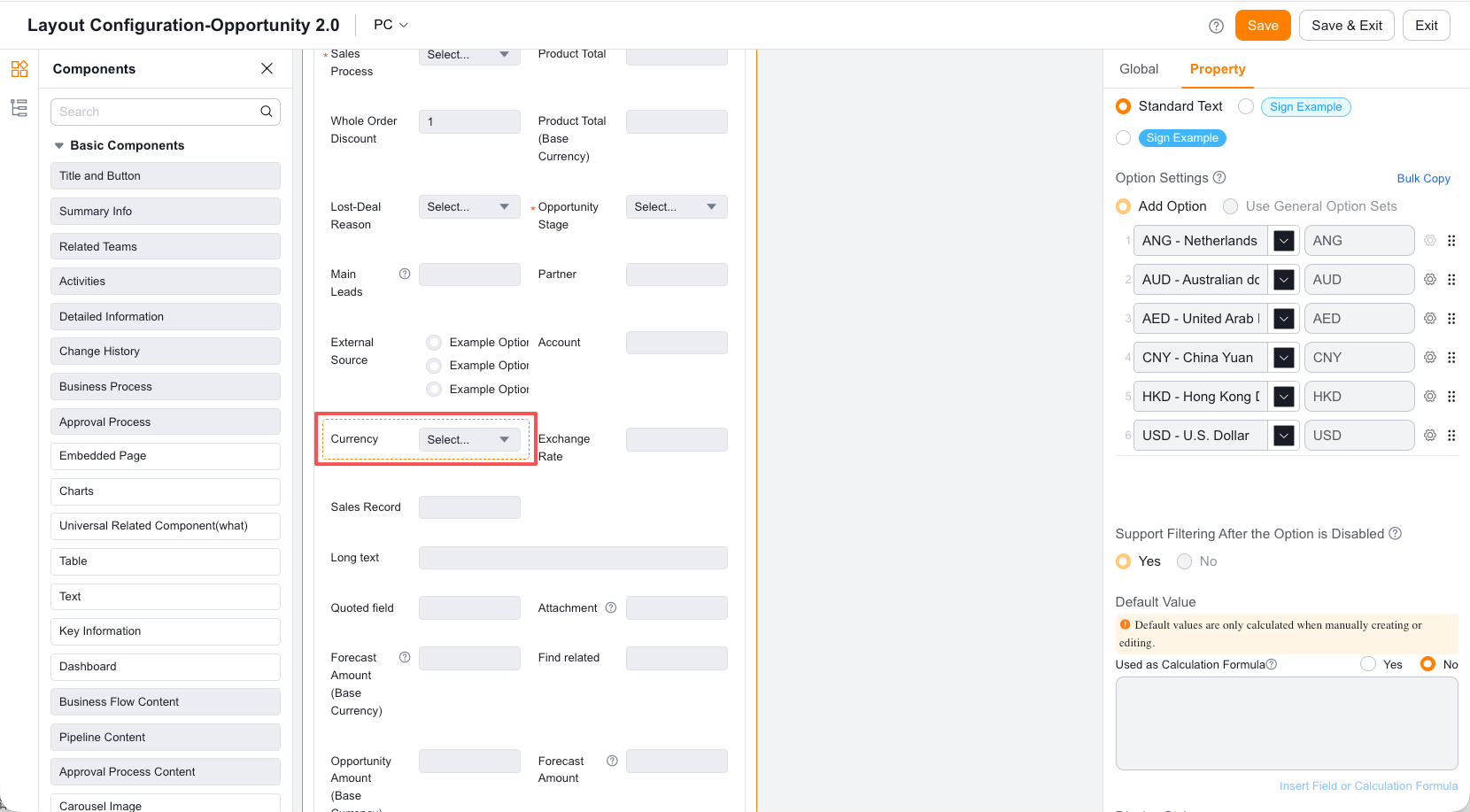
Configure layouts ​

  1. Open layout management for the target object.
  2. Edit both the create/edit layout and detail layout.
  3. Add the currency, exchange-rate, or converted-amount fields required by the business.
  4. Save and publish the layouts.

Add multi-currency fields to a layout

Fields and master-detail relationships ​

  • Amount, calculated, and summary fields on the object continue to return values in the original currency.
  • In a master-detail relationship, the detail record must use the master's currency. The currency field on the detail object is read-only by default.

Validate the result ​

Create both master and detail records as an employee. Confirm field visibility, read-only state, original-currency amount, and base-currency conversion.