Appearance


Learn how object pages organize fields, buttons, and related data.
Page layouts determine how users view, enter, and process object data. A well-designed layout reduces data-entry effort and improves information retrieval. It also gives each role the business information that it needs.
Object fields define what data you can store. Page layouts define how users work with those fields. One object can use different layouts by Record Type, role, and device.
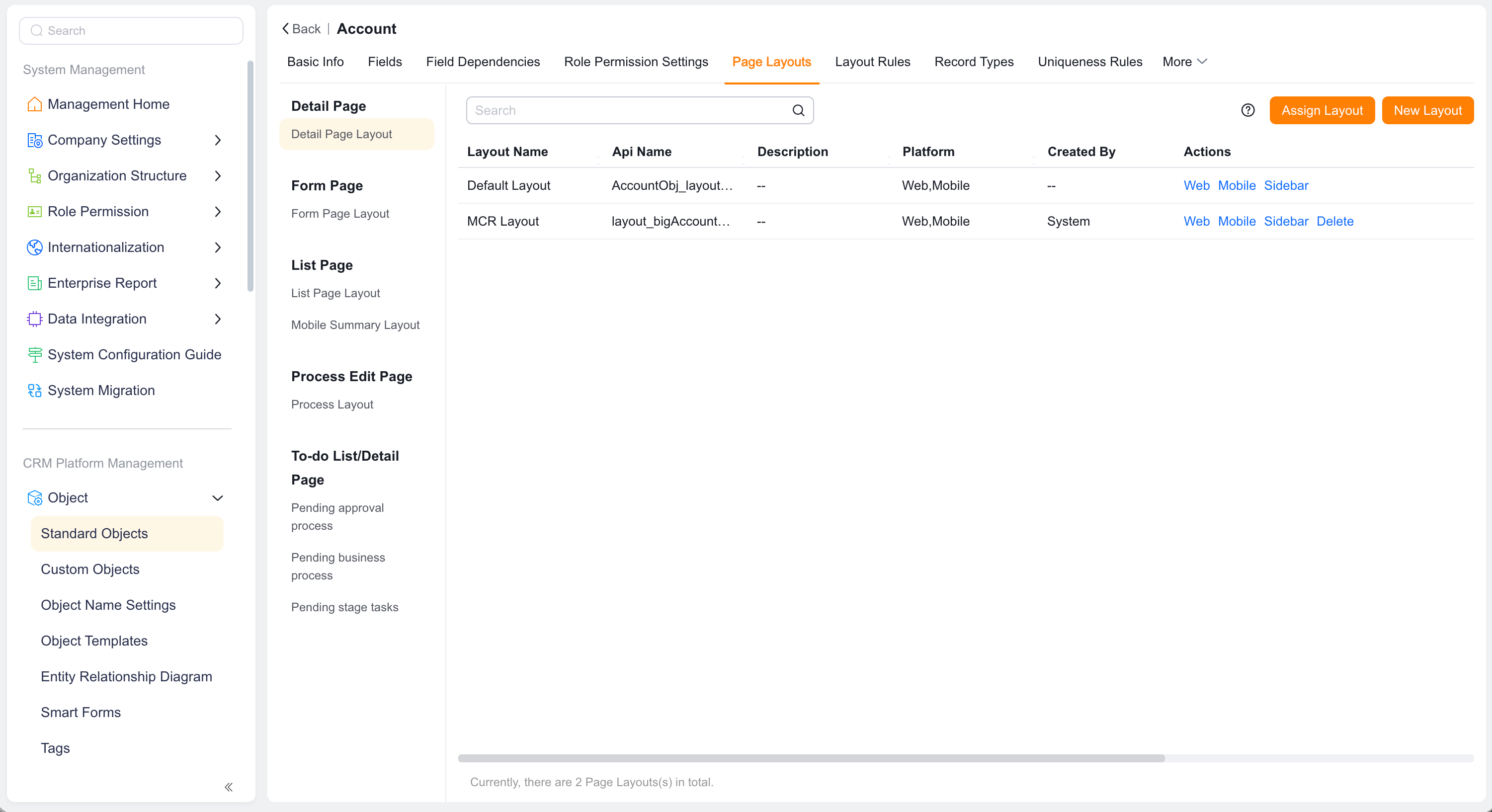
| Concept | Definition | Typical use |
|---|---|---|
| Details page layout | Page structure for viewing one record | Shows summaries, fields, related lists, and buttons |
| Form Page layout | Form structure for creating or editing records | Controls field order, groups, and styles |
| List page layout | Table structure for Batch View | Controls columns, filters, and Batch Operation |
| Mobile summary layout | Card or summary structure on mobile | Controls key fields on mobile |
| Related list | Related Object data shown on a primary record | Lets users view or maintain detail data |
| Page button | Entry point for an action | Supports create, edit, import, export, and custom actions |
| Layout type | Focus | Scenario |
|---|---|---|
| Details page layout | Reading efficiency | View one account, order, or delivery record |
| Form Page layout | Data-entry efficiency | Create or edit object data |
| List page layout | Comparison and filtering | Browse, search, filter, and export in bulk |
| Record selection list layout | Lookup efficiency | Select a target record for a Lookup field |
| Mobile summary layout | Quick mobile recognition | Mobile list and shared cards |
Page layouts usually take effect as follows:
The list supports Batch View, while each record can expose its Modification Record.
NOTE
A page layout is not a field permission. Hiding a field in a layout only affects the page. Use field permissions to protect sensitive data from viewing, editing, and export.
| Element | Purpose |
|---|---|
| Field | Shows or captures a business attribute |
| Group | Organizes fields by business meaning |
| Summary | Shows key fields at the top of a details page |
| Related list | Shows child or Related Object data |
| Action button | Runs a standard action or custom business logic |
| Embedded page | Embeds an external or extended page |
| Chart | Shows analytics on an object page |