Appearance


Understand the role and scope of objects in PaaS data modeling.
Objects are the core data carriers on the PaaS platform. Through objects, enterprises define business data structures and then use fields, layouts, rules, permissions, and workflows to turn offline processes into system capabilities that support data entry, routing, querying, and analysis.
For example, accounts, opportunities, contracts, and payments are built-in business objects. Enterprise-specific data such as delivery orders, equipment ledgers, and store inspection records can be modeled through custom objects.
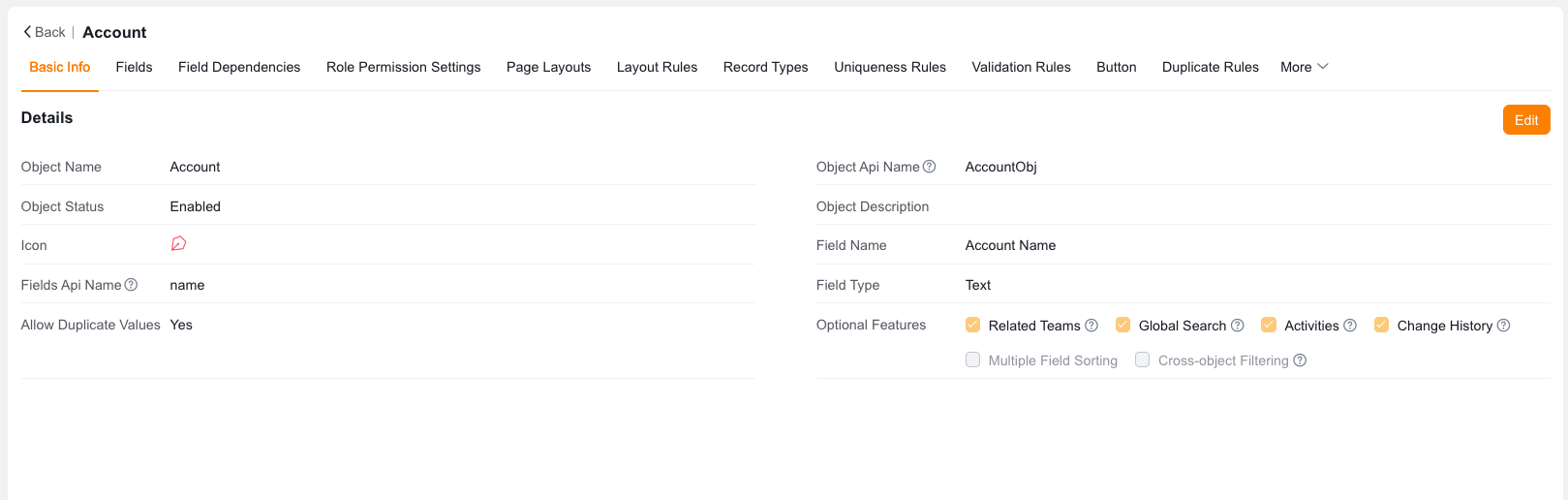
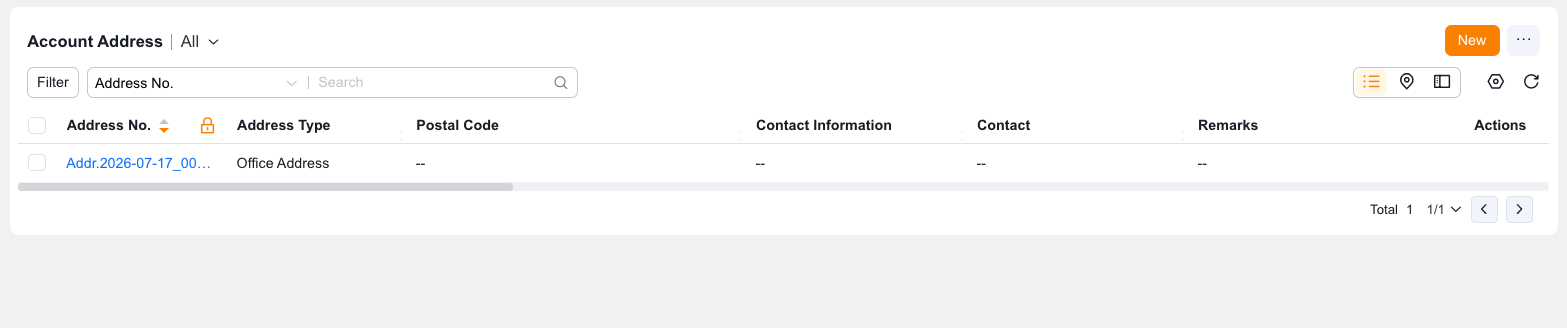
| Concept | Definition | Related configuration |
|---|---|---|
| Object | A carrier for a category of business data. For example, Account, Opportunity, or Delivery Order | Fields, layouts, rules, permissions |
| Field | A business attribute within an object. For example, Account Name, Phone, or Delivery Address | Field types, default values, field permissions |
| Page layout | The interface structure through which users view, enter, or filter object data | Detail pages, new/edit pages, list pages |
| Record type | A classification method for different business branches under the same object | Layout assignment, field visibility, process rules |
| Object relationship | The data association pattern between objects | Lookup fields, master-detail fields |
| Object rules | Rules that constrain data entry, display, and duplication | Layout rules, validation rules, deduplication rules |
| Object permissions | Controls which records, fields, and objects a role can access | Object permissions, field permissions, data permissions |
Preset objects are built-in business objects. The system typically provides default fields, default layouts, and specific business capabilities for preset objects. Examples include Lead, Account, Contact, Opportunity, Order, Contract, and Payment.
Preset objects are suitable for standard CRM workflows. Administrators can adjust fields, layouts, filter scenarios, and permissions as needed, but preset objects cannot be deleted.
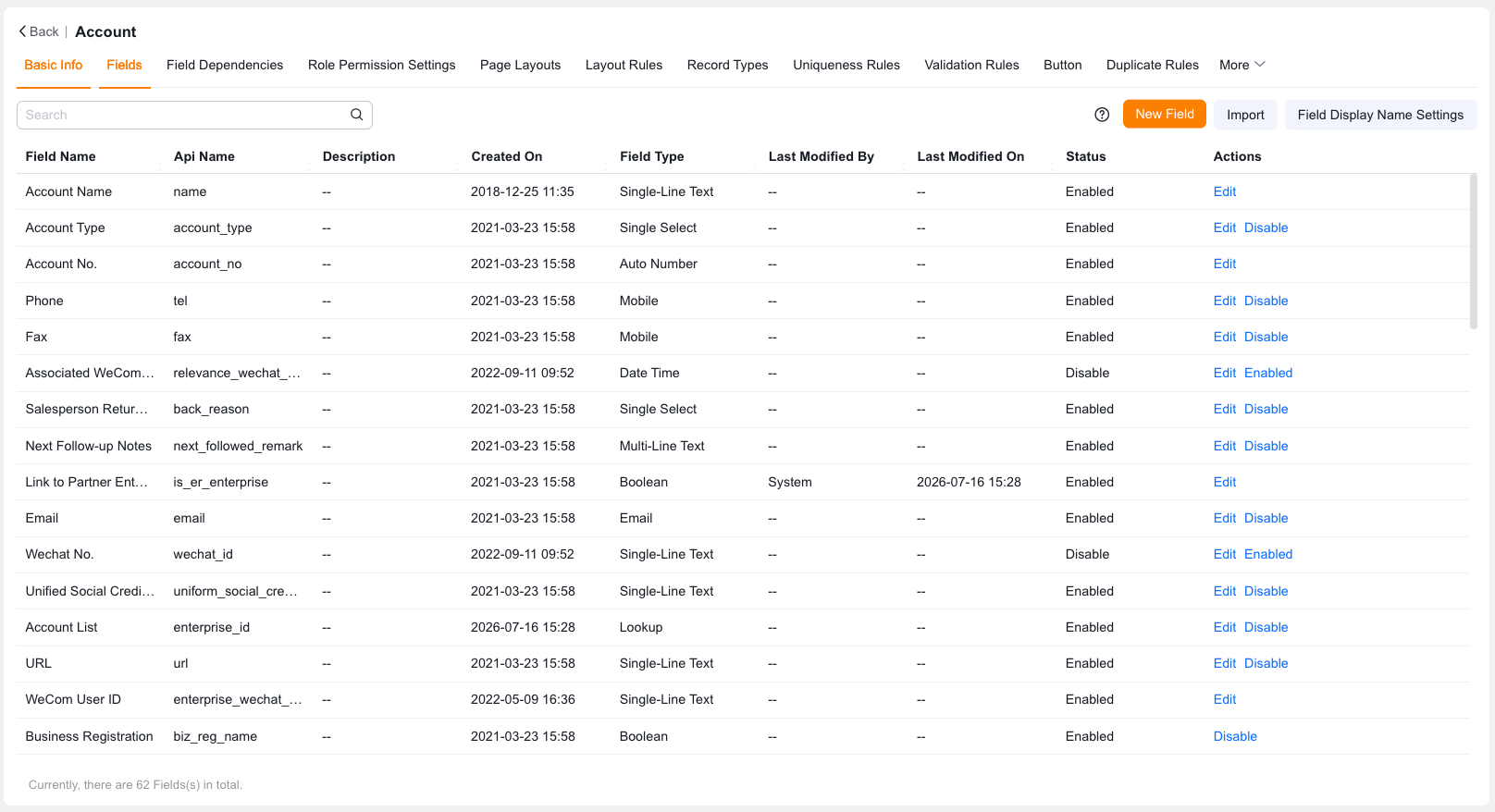
Custom objects are created by administrators for enterprise-specific scenarios. They are suitable for new business data that preset objects cannot cover, such as delivery orders, equipment ledgers, dealer visit records, and project delivery records.
After creating a custom object, administrators must continue to configure fields, page layouts, record types, object relationships, rules, and permissions to form a complete business application.
| Dimension | Preset objects | Custom objects |
|---|---|---|
| Initial source | Built in the system | Created by administrators |
| Applicable scenarios | Standard CRM business | Enterprise-specific business |
| Default capabilities | Usually include specific business capabilities | Require configuration as needed |
| Deletion restriction | Cannot be deleted | Can be managed based on object status and dependencies |
| Name adjustment | Usually adjusted through object name settings or multilingual capabilities | Can be adjusted in the object basic information |
Objects do not work in isolation. A functional object typically operates through the following mechanisms:
| Role | Focus |
|---|---|
| CRM administrator | Design object structures, maintain object configurations, control permissions |
| Business owner | Confirm whether objects match actual business processes |
| Implementation consultant | Translate business requirements into objects, fields, layouts, and rules |
| Developer | Extend and develop based on object API names, fields, and relationships |
| End user | Use object pages to enter, view, and maintain business data |