Appearance


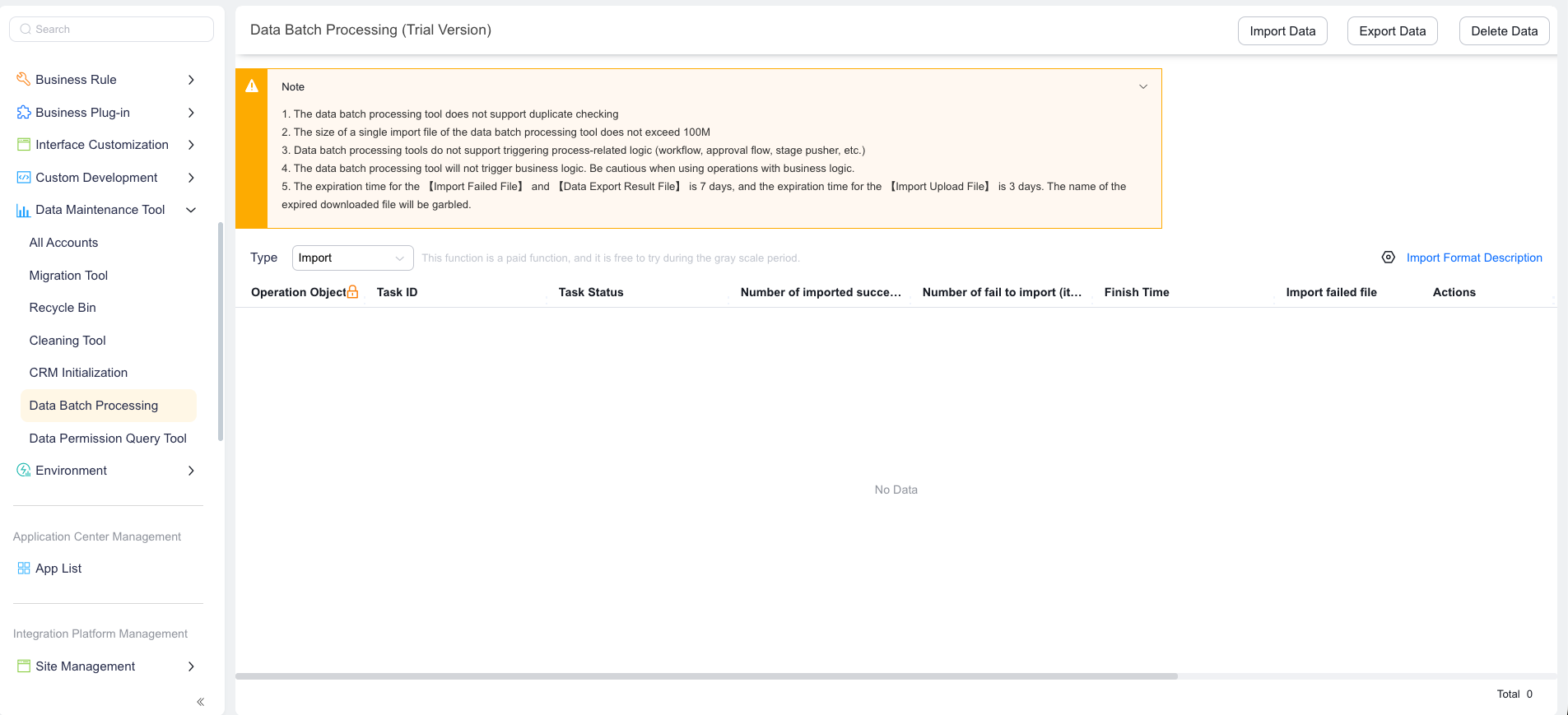
Learn about the business purpose, core capabilities, and usage limits of the data batch processing tool.
During data migration or system initialization, enterprises need to import large volumes of business data into the CRM system, or batch-export and clean data from the system. The standard front-end import and export feature is limited by business logic validation and flow-triggering mechanisms, making it inefficient for large data volumes. The data batch processing tool is designed for these scenarios — it bypasses front-end business logic validation to move data in and out of the system more efficiently.
| Concept | Definition | Related capabilities |
|---|---|---|
| Data batch processing tool | A data maintenance tool in the Admin Console that supports batch import, export, and delete operations | Data maintenance tools |
| Batch import | Imports CSV file data into a specified object in bulk, supporting both create and update modes | Field mapping, unique identification |
| Batch export | Exports data from a specified object to local storage or remote storage (Alibaba Cloud OSS, FTP) | Full-object export, per-object export, scheduled export |
| Batch delete | Deletes data from a specified object in bulk based on filter conditions | Filter-based deletion, password verification |
WARNING
The following limits directly affect data processing results. Read them carefully before proceeding.
| Limit | Description |
|---|---|
| No deduplication | Batch import does not perform deduplication, which may result in duplicate data. |
| File size limit | A single import file cannot exceed 100 MB. |
| No flow triggering | Does not trigger workflows, approval flows, pipelines, or other flow logic. |
| No business logic | Use with caution for operations that depend on business logic. |
| Data modification records | Data imported through batch processing shows as "System" in modification records, with no source tool attribution. |
| Comparison | Standard import and export | Data batch processing tool |
|---|---|---|
| Data volume limit | Limited (affected by workflow and approval flow) | Unlimited |
| Frequency limit | Limited | Unlimited |
| Business logic validation | Full front-end business logic | Metadata-level validation only |
| Flow triggering | Can trigger workflows and approval flows | Does not trigger any flows |
| Deduplication | Performs deduplication | Does not perform deduplication |
| System field import | Not supported | Supported |
| Master-detail joint operations | Not supported | Supported |
| Processing speed | Standard speed | Faster (no validation or flow execution) |
| Use case | Daily data maintenance | Data migration, system initialization, large-scale data backup |
| Role | Primary operations |
|---|---|
| CRM administrator | Batch import initialization data, batch export backup, batch clean up obsolete data |
| Implementation engineer | Pre-launch data migration and initialization |
| Data operations engineer | Regular data backup export, filter-based data cleanup |
During the initial CRM deployment, an enterprise needs to migrate customer, contact, and opportunity data from a legacy system in a single operation. The standard import feature is limited by file size and flow-triggering mechanisms, making it inefficient. With the data batch processing tool, implementation engineers can upload large CSV files, skip business logic validation, and complete data migration quickly.