Skip to content

How to configure common option sets ​

Centrally maintain reusable single-select and multi-select options.

Overview ​

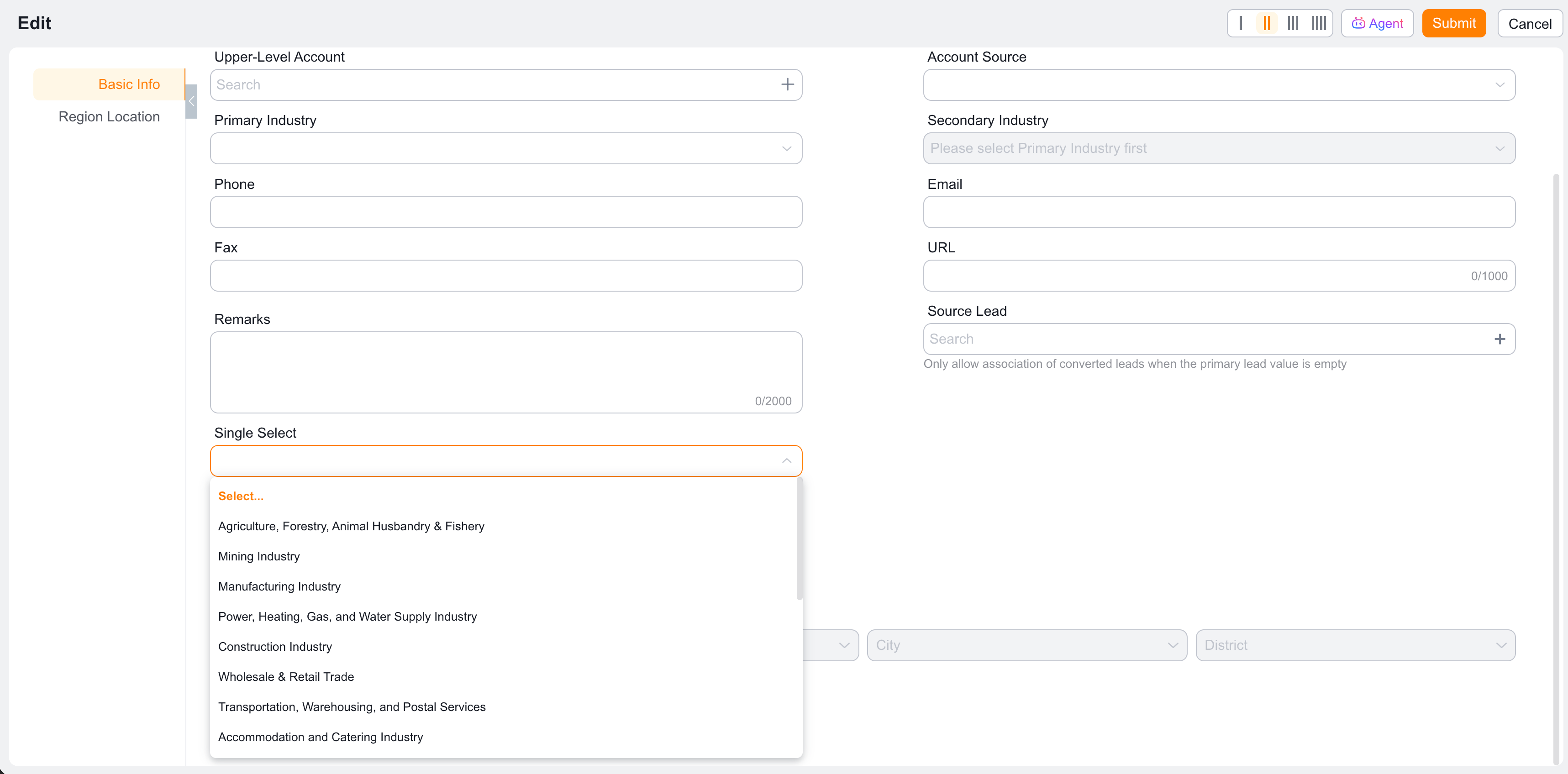
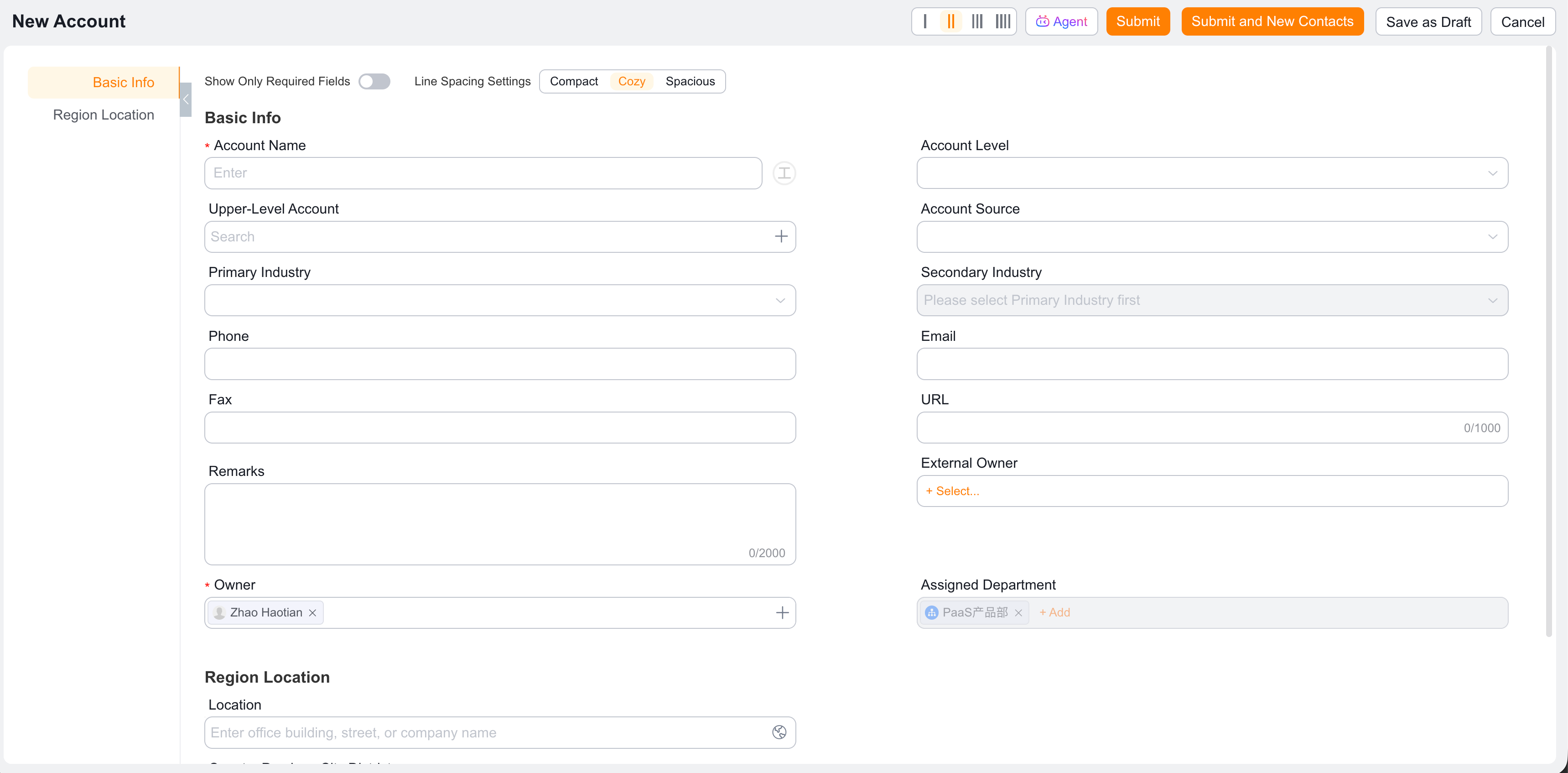
Common option sets let you centrally define shared options. When single-select or multi-select fields across multiple objects need the same options, they can reference a common option set to reduce duplicate configuration.
Common option set overview

Create or edit a common option set ​

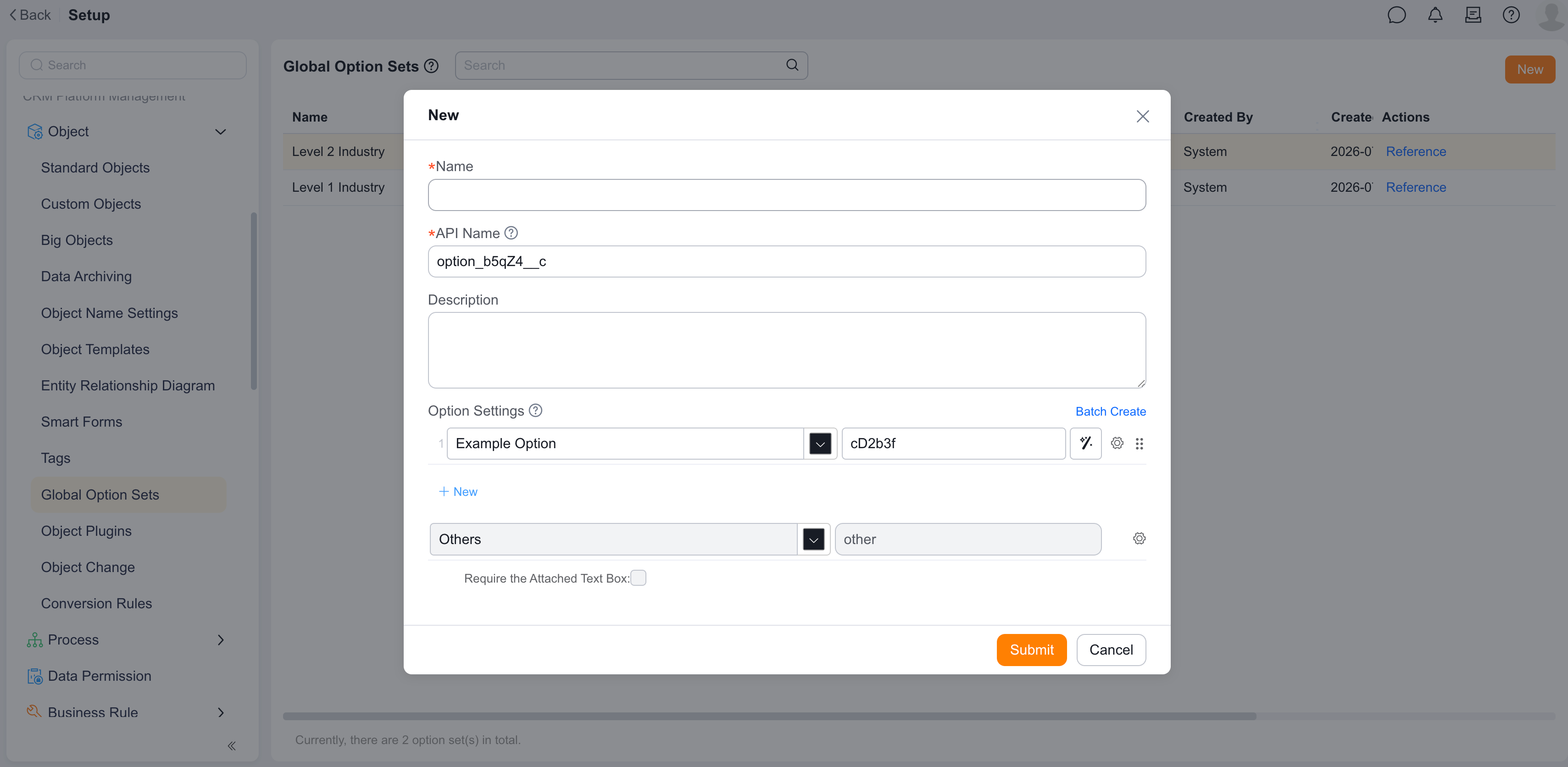
  1. Go to Object Management > Common Option Sets.
  2. Click Create Common Option Set, or edit an existing custom common option set.
  3. Fill in the name, API Name, and description.
  4. Add option values.
  5. Save the configuration.

Create or edit a common option set

Configuration items ​

ItemDescription
NameDisplay name of the common option set
API NameUnique identifier of the common option set
DescriptionDescribes the purpose of the option set
Option settingsSupports adding options individually or in bulk

View references ​

On the common option set page, view which fields reference the option set.
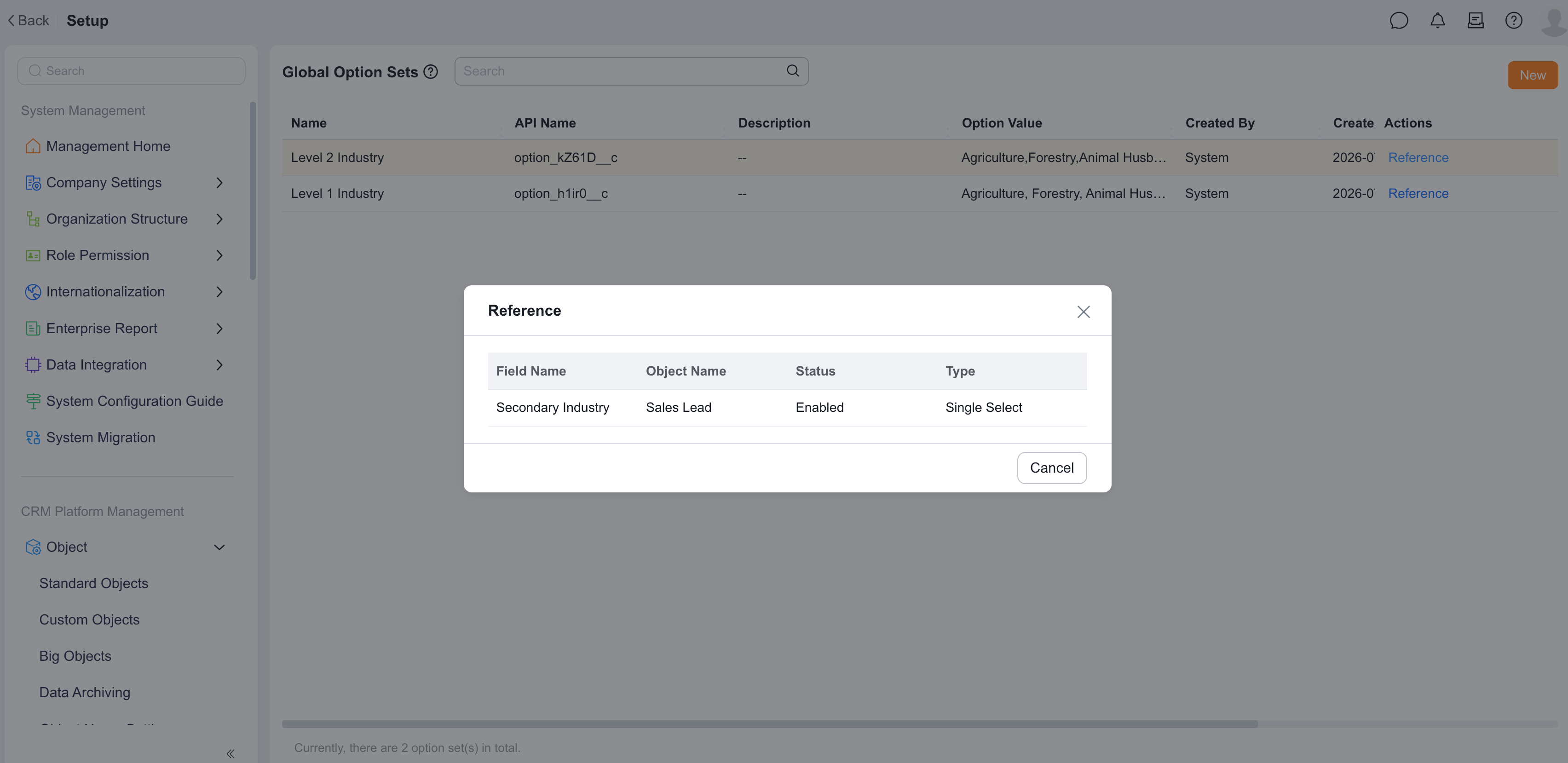
View references

Delete and disable ​

  • The system does not support disabling an entire common option set directly.
  • Individual option values that are no longer in use can be disabled.
  • Common option sets referenced by objects cannot be deleted.

Limitations ​

  • Each common option set supports up to 1,000 options by default.
  • Each enterprise supports up to 20 common option sets by default.
  • To increase limits, submit a resource expansion request through the current process.

Common option set resource expansion

Usage recommendations ​

  • When multiple objects share the same set of options, prefer using a common option set.
  • Option values may be referenced by multiple fields. Check references before modifying.
  • Disable unused option values first. Confirm no impact before considering deleting the entire option set.
  • Common option set names should express business meaning, such as "Customer Level", "Industry Classification", or "Service Type".
  • Object customization: field type reference